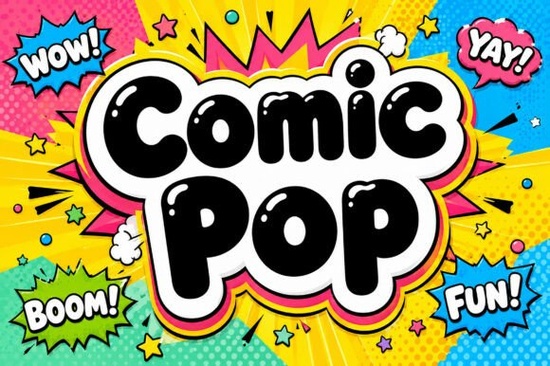
When you need headlines that grab attention without relying on heavy photo editing, Comic Pop Font offers a straightforward solution for busy layouts. This typeface combines thick balloon-style lettering with built-in white highlights and a layered comic-book outline. Instead of adding separate strokes or drop shadows in your design software, you get a ready-to-use layout that already looks polished. Designers, print-on-demand sellers, and hobbyists often turn to it when they need bold display typography that stays readable on busy backgrounds.
How does the built-in styling save design time?
Layering effects in design software can quickly become tedious. This typeface includes a glossy white hand-drawn highlight and a heavy cloud-like boundary that mimics an airbrush finish. You simply type your text, and the dimensional pop effect appears automatically. That means you spend less time adjusting layer styles and more time arranging your layout. Pair it with minimalist backgrounds so the contrast stays sharp. You can also explore softer display options for lighter projects, but when impact matters most, this font handles the visual work for you.
Which project types actually benefit from this lettering style?
Exaggerated proportions and neon outlines fit high-energy visuals perfectly. You will see this style work on animated streaming overlays, youth sports packaging, and action-packed comic titles. It scales cleanly for stickers and festival posters, where quick readability matters. Crafters cutting vinyl should note that the thick balloon shapes hold up on die-cut machines, provided you simplify the outline for smaller sizes. For retro athletic apparel, sports typography packs can complement this look nicely. Always test exports at actual print size before sending files to production.
What should you check before downloading or purchasing?
Display typefaces are not meant for long paragraphs. The structural weight is intentional, so readability drops quickly under thirty points. Before adding this to your library, confirm licensing terms for your specific use case. Commercial merchandise and client logos often require an upgraded tier. Review the full terms on the main product page to avoid restrictions. If you regularly design festival graphics, keep sparkly display alternatives ready for seasonal variations. Save a plain text layer in your project file to simplify artwork if needed.
How do you pair it with other typefaces without creating clutter?
Because the outline and highlight add visual weight, supporting text should stay neutral. A clean geometric sans serif works best for body copy and subheadings. Avoid stacking multiple decorative fonts on one layout, since competing shapes confuse the viewer. Reserve the heavy comic style for main headlines, then use classic collegiate scripts for secondary tags or team names. Keep line spacing generous and leave breathing room around text blocks. A quick platform mockup will show whether the contrast holds up.
To compare related styles or verify character sets, search for Beautiful Caroline Font, Gemstone Font, Super Sport Bundle Font, and Varsity Signature Font to find niche matches. Review the official Comic Pop Font listing for file formats. Most platforms support OTF and TTF files, so setup takes under two minutes.
Quick checklist before publishing your design
- Test at final size – Scale layouts to one hundred percent before exporting to verify stroke thickness.
- Simplify for cut files – Flatten outlines for small stickers or craft vinyl weeding.
- Keep supporting text plain – Use standard sans serifs for readability and leave generous white space.
- Verify your license – Match your project type to the correct commercial tier.
- Save a flattened backup – Export PNG and layered project files to prevent substitution errors.
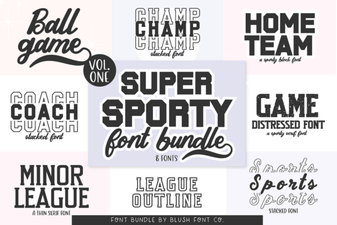 Super Sport Bundle Font: Designs That Move & Inspire
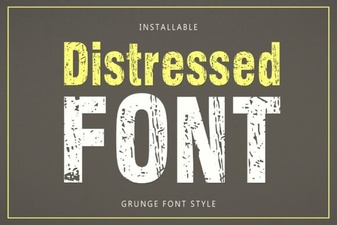 Crafting Visual Style with Distressed Fonts
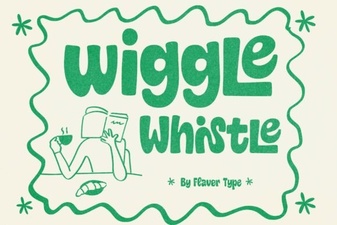 Wiggle Whistle Font Ideas for Creative Designers
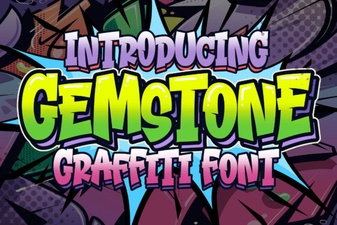 Creative Fonts & Gemstone Design Projects
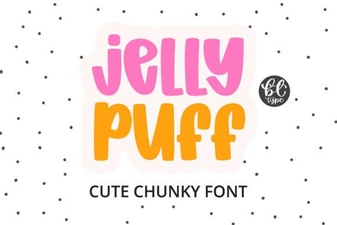 Jelly Puff Fonts for Creative Design Projects
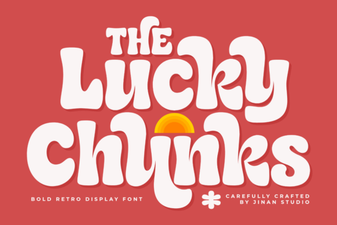 Lucky Chunks: a Fun, Creative Font for Your Projects